Why Your CollegeInbound Site Stayed Online During Today's PHP Emergency

CollegeInbound-hosted sites stayed online while we applied the emergency PHP security updates released on October 21. We began applying the fixes at 11:12 a.m. Eastern and finished that afternoon. No site was taken offline.
For a college, taking a website down means interrupting access to program information, admissions pages, and the information students need to make decisions. Keeping that access available mattered. So did getting the fixes in place.
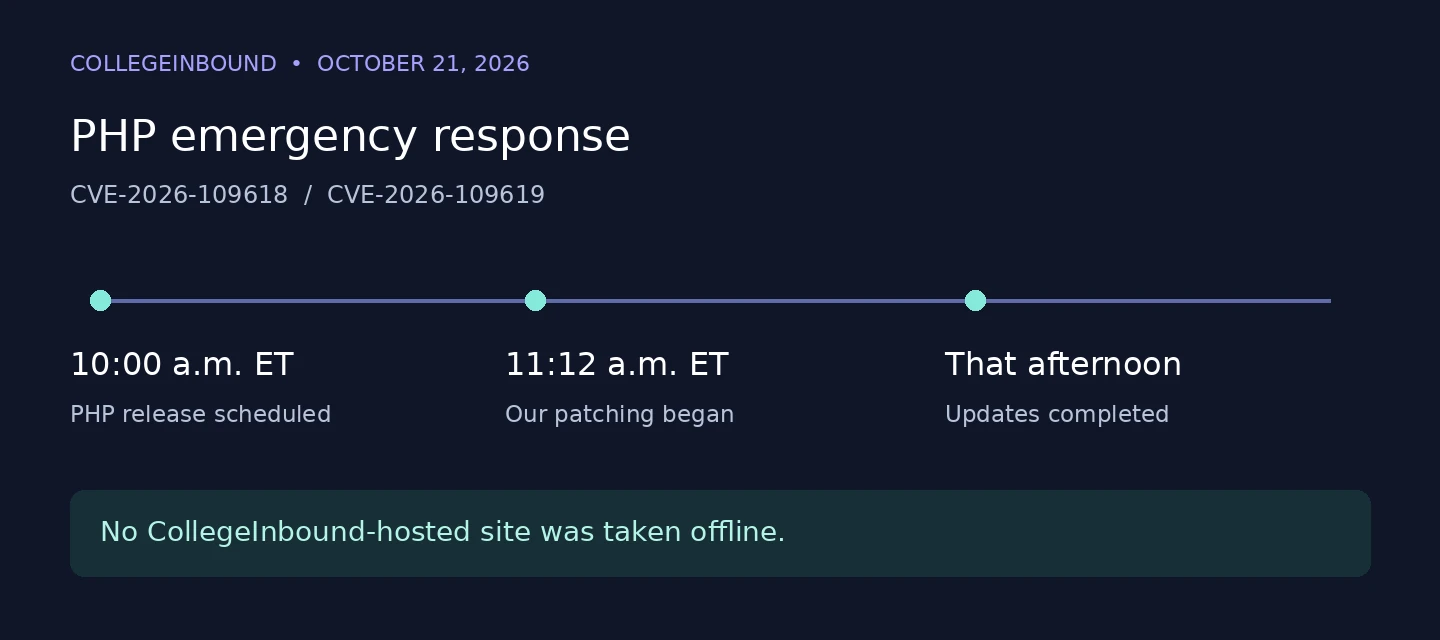
October 21, 2026: PHP emergency response — CVE-2026-109618 and CVE-2026-109619.
- 10:00 a.m. Eastern: PHP release scheduled.
- 11:12 a.m. Eastern: CollegeInbound patching began.
- That afternoon: Updates completed. No CollegeInbound-hosted site was taken offline.
What happened
On October 20, the PHP project warned of an upcoming emergency security release for two critical vulnerabilities, both rated 9.2 out of 10. The fixes were released on October 21, following a scheduled release time of 10:00 a.m. Eastern.
The vulnerabilities, CVE-2026-109618 and CVE-2026-109619, can allow an attacker to run code on an affected server without logging in. PHP runs behind many websites, including WordPress, so the issue extended well beyond any single website platform.
Taking an affected website offline until it could be patched was a reasonable precaution. PHP’s guidance was clear: temporary measures could reduce exposure to specific attack paths, but only an update provided a complete fix.
Why we could respond quickly
The reason was straightforward: we knew what each site was running.
We had an inventory of the hosts, their PHP versions, and the repositories supplying their packages. When the fixes became available, we could work from that inventory instead of first having to investigate how each server was configured.
That preparation helped us apply the updates while keeping the sites available.
The detail that mattered: where the updates came from
Our audit also highlighted something that is easy to overlook. Servers running PHP do not necessarily get their software from the same place.
Some of our hosts received PHP from Ubuntu, their operating system vendor. Others used a third-party repository that provided newer PHP releases.
At the point we needed the fixes, Ubuntu’s patched packages were available, while the third-party builds our affected hosts depended on were not yet available.
For those hosts, we applied interim hardening to reduce exposure, then moved them to Ubuntu’s own patched PHP packages the same day. The hardening was a temporary measure while we completed the package changes.
This matters because a security fix has to travel through the software supply chain before it reaches a website. A patch being released upstream does not automatically mean it is available from every package repository.
Why an older version can still be the right choice
For the servers we moved, Ubuntu’s packages used an older PHP release line than the third-party packages. That does not mean they lacked the security fixes.
Operating system vendors can backport fixes to the versions they support. The familiar version number may stay largely the same while the package revision changes to include the patch. Ubuntu’s security trackers identify the fixed packages for these vulnerabilities.
The tradeoff is fewer new features in exchange for a supported package source that fit our operational needs. For these sites, predictable access to security updates mattered more than running the newest PHP release.
Support still has to be checked for the specific operating system release and package. An old version without an active security-support path is a different situation.
Three questions to ask your website provider
You do not need to administer servers to ask useful questions about your website’s maintenance:
-
Where does our PHP come from?
Is it supplied by the operating system vendor, a third-party repository, or a custom build? Who is responsible for that update path?
-
If a critical fix ships today, how quickly will it reach our website?
The answer should cover both package availability and the process for applying it.
-
How do you know when a critical security update is waiting?
Is there an alert and a person responsible for acting on it, or does someone have to remember to look?
That last question is easy to miss. A team may deliberately control when updates are applied so it can account for compatibility and service restarts. That can be a defensible choice. It still needs a reliable way to identify urgent patches and get them applied.
For CollegeInbound customers, the emergency updates were completed that afternoon without taking sites offline. Knowing the environment and having a workable update path made that response possible.